Go to your HubSpot account and navigate to Settings
Under Content on the left navigation bar click on Themes and Modules
Click on Upload Theme and browse your device to upload the downloaded file.
The templates are designed to convert visitors to leads, allowing companies to track return on investment through important metrics.
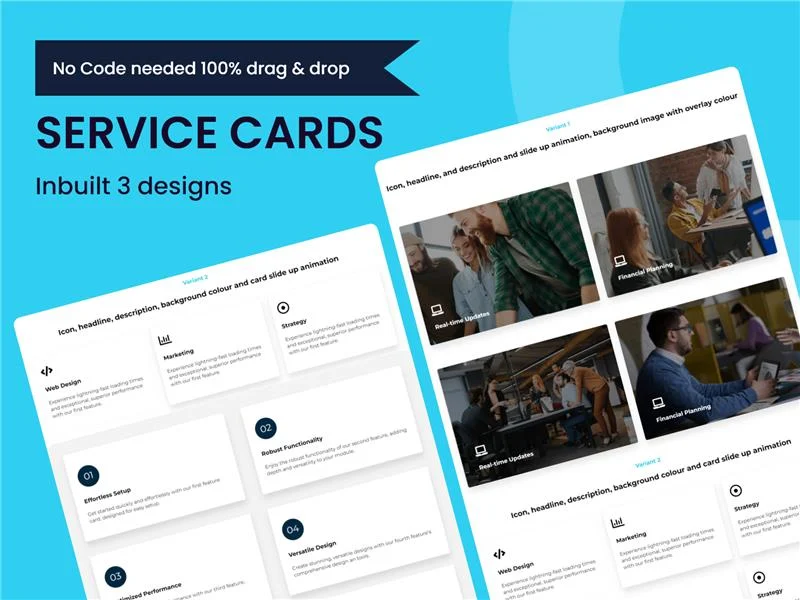
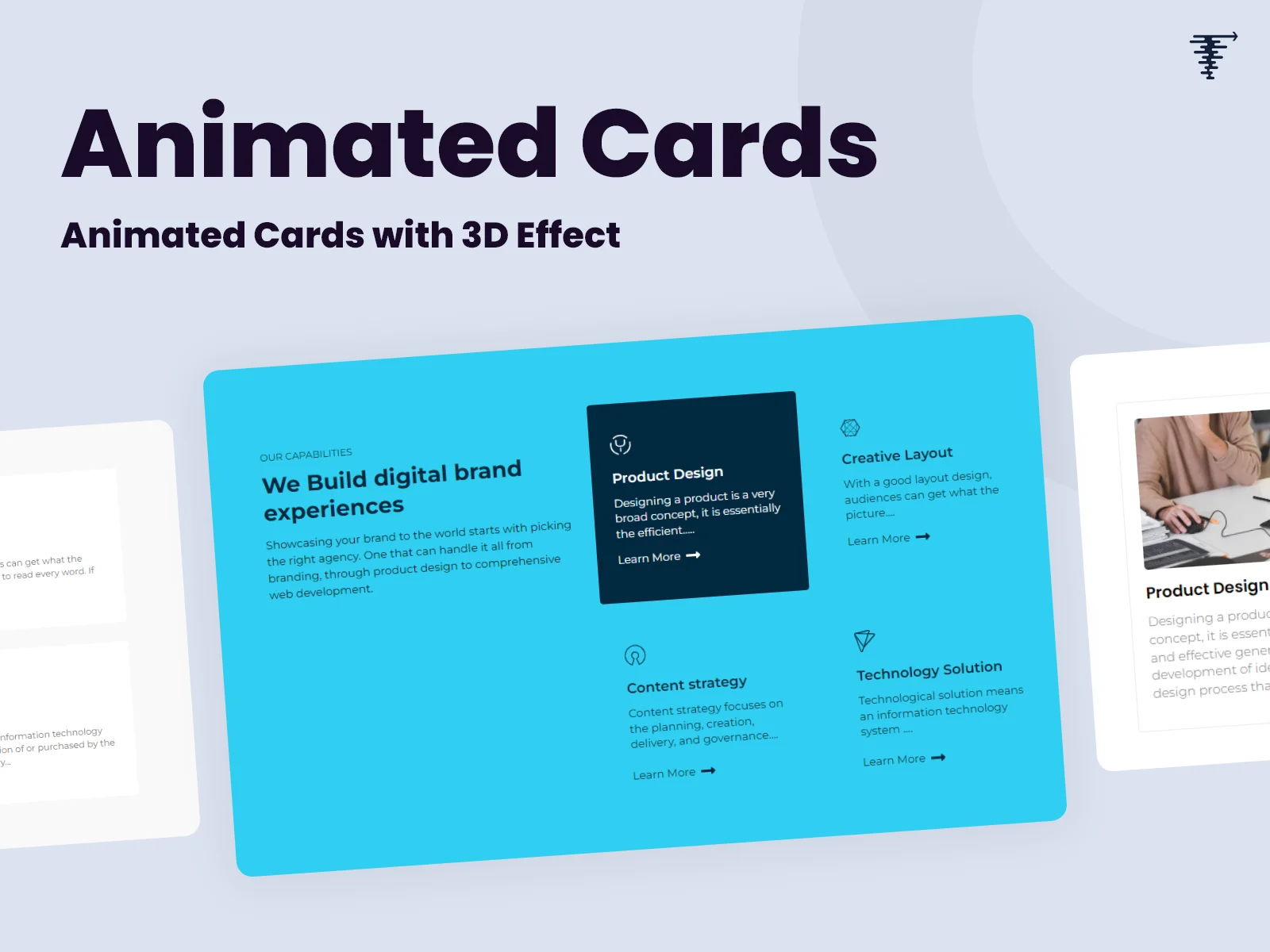
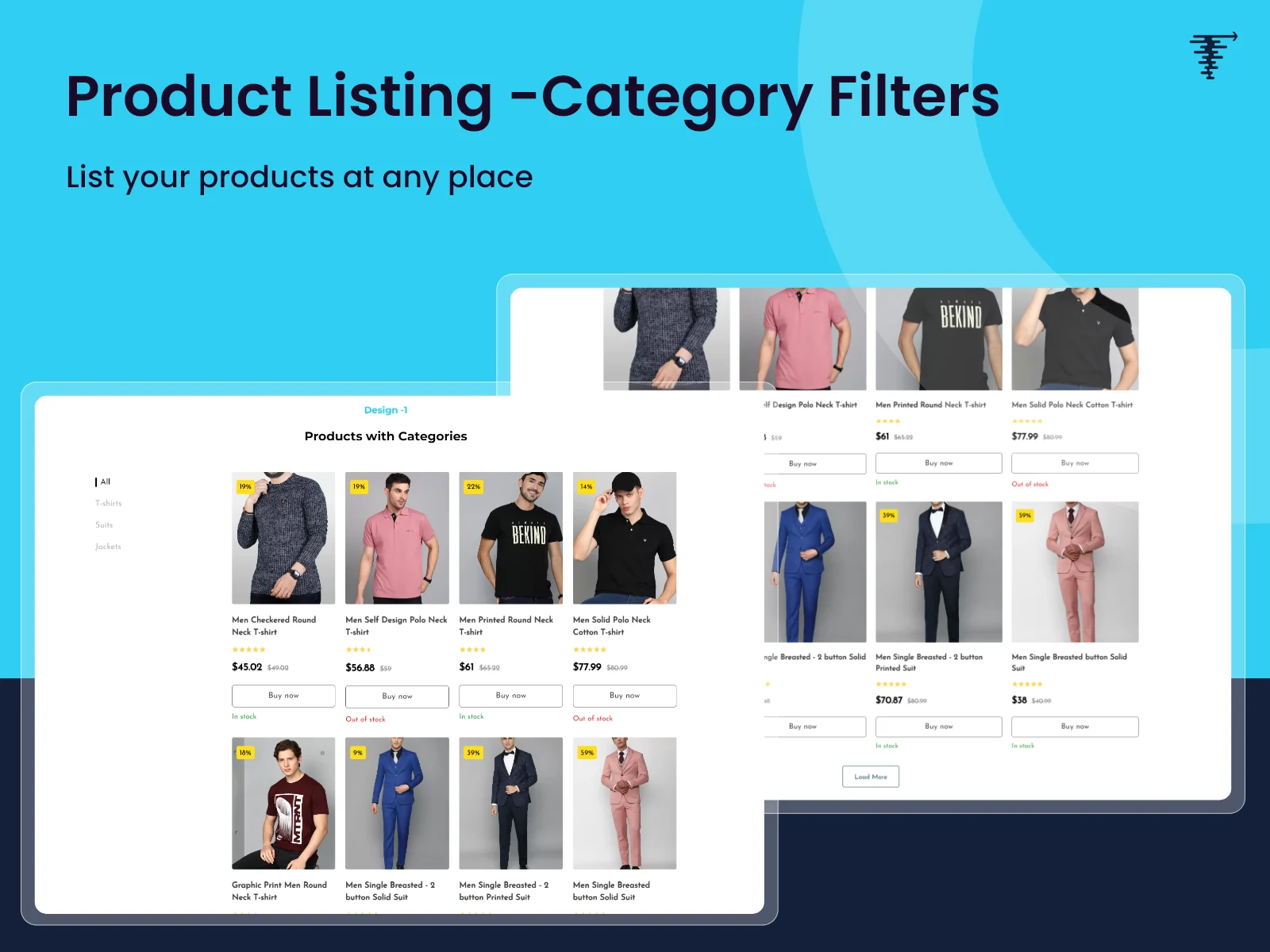
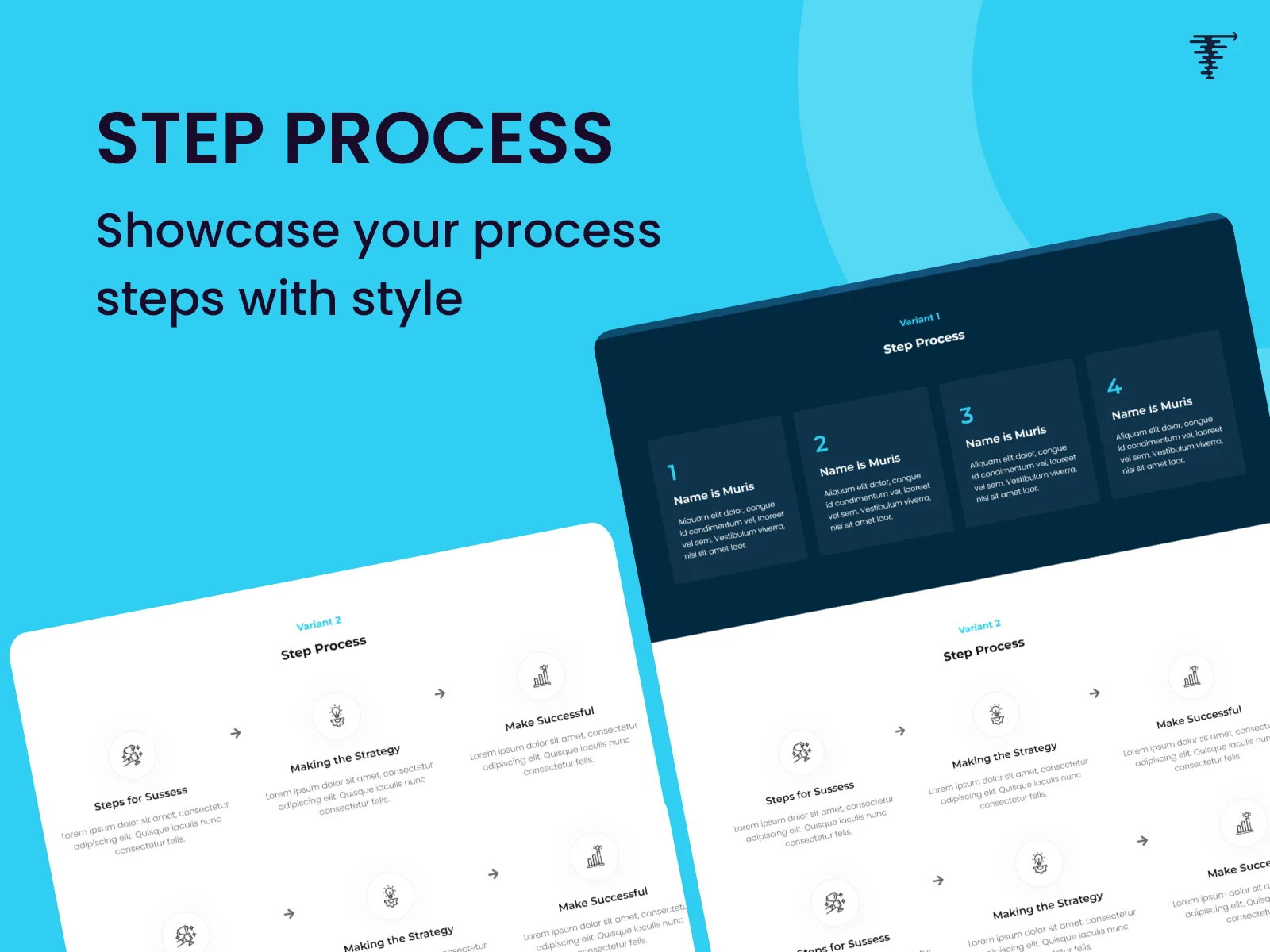
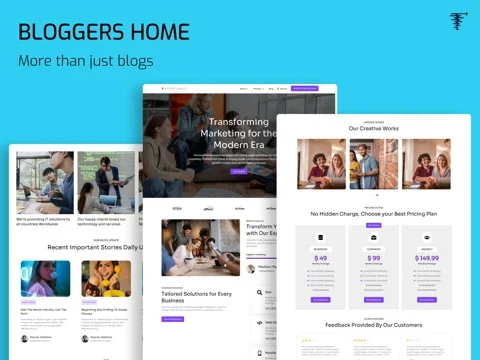
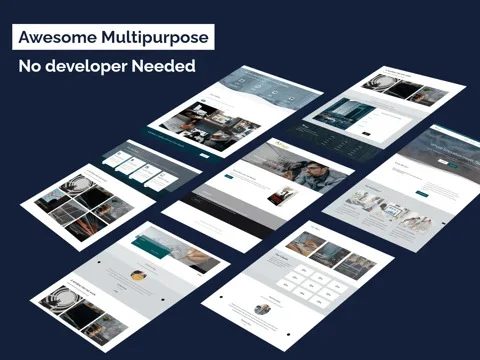
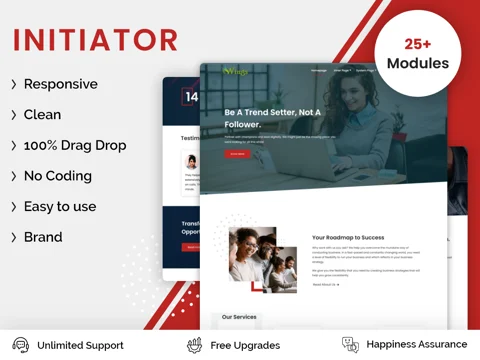
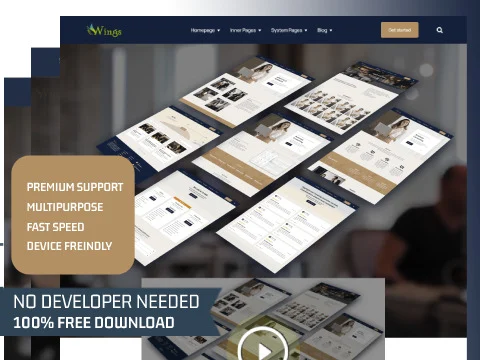
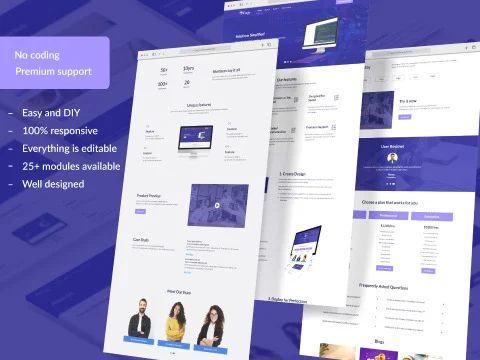
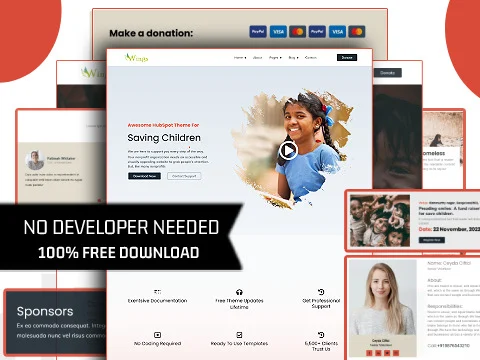
Change layouts, colors, and modules—without any HTML or coding. Just click, type, or drag and drop to make edits, and publish!
Our easy-to-navigate templates enable you to build or edit a page with virtually no learning curve.
Our templates will scale with your organization's needs, from simple websites to sophisticated lead generation hubs.
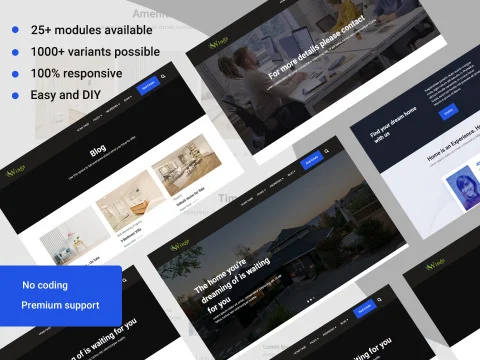
The templates will automatically look and work great on any device, providing a seamless experience everywhere.
Our templates are designed and created by HubSpot-Certified Expert partners for quality and durability starting from day one.
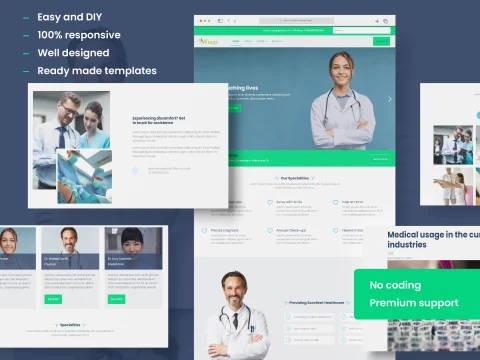
We offer variety of themes ranging from free starter templates to advanced customizable designs
Connect with us →When choosing the correct HubSpot website template, you should consider for which industry, audience, desired look and feel, and needed functionality you’re seeking the template. Upon gathering all the requirements in one place, explore the HubSpot Marketplace, sorting by these factors. Moreover, our experts can help you select the optimal HubSpot website template for you.
Yes. You can customise and make necessary changes as per your blog page requirements. The templates are easy to adopt as per your branding, right from adjusting layout to styling, and fonts. For creating custom modules, we provide professional customisation facilities for the HubSpot website and blog templates.
Yes, all the HubSpot themes and templates are highly responsive and will fit into various screen sizes including desktop, PC, Tablet and mobile. For further information on how we can do mobile audit to optimise your website, you can reach out to support@transfunnel.com
A theme is the general design architecture of a page or website whereas templates are individual page layouts under that theme. To understand the difference between both in detail, reach out to our experts and they’ll assist you in selecting the appropriate combination.
Go to theme tab on this page, select the theme you want to purchase, click on Install and you will be re-directed to the HubSpot Marketplace, where you can click on Install and complete the payment and theme download. Additionally, we can assist you with choosing, making the purchase, and personalising/integrating the theme with your portal. You can email us on ProductSupport@transfunnel.com if you need more assistance.
Go to the Modules tab on this page. Select the module that you want to purchase and complete the checkout and payment. The module will get auto downloaded for you. If you need any assistance, please reach out to ProductSupport@transfunnel.com